Background
Even on rainy days, there are moments when the rain lets up for half an hour, and that's enough time to walk the dog quickly when otherwise you might not get the chance to. Granular weather updates are already available in my area through the native iOS weather app, but I wanted more active notifications to announce when exactly rain would stop, instead of having me obsessively check my phone every 10 minutes.
Luckily, the same weather data is available in Apple's WeatherKit. All I had to do was make a nice-looking application that served the notifications that I wanted.
What it does
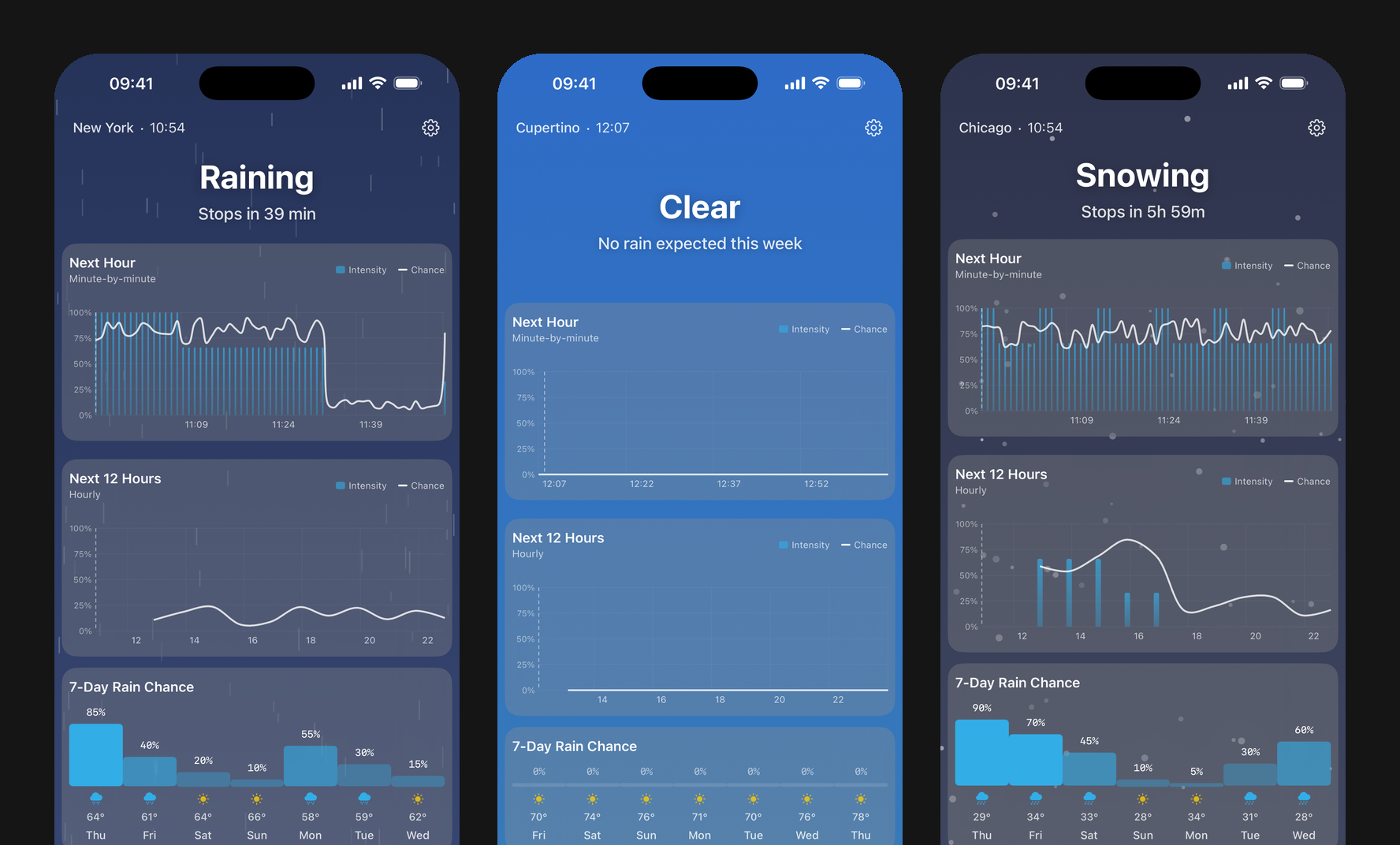
Gonna Rain? shows you the next hour minute-by-minute, the next twelve hours, and the week — then gets out of the way. The background is the weather: it darkens when it rains, goes navy and speckled when it snows.
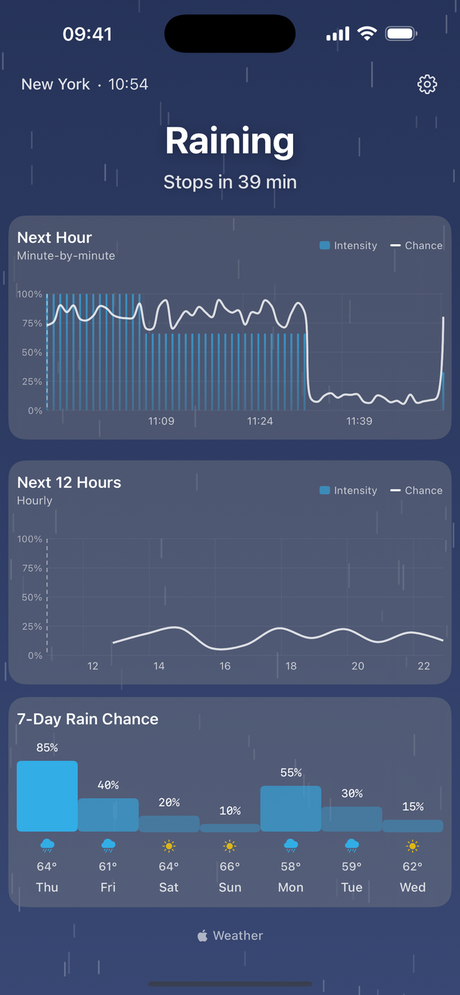
Raining — hero flips to time-until-it-stops
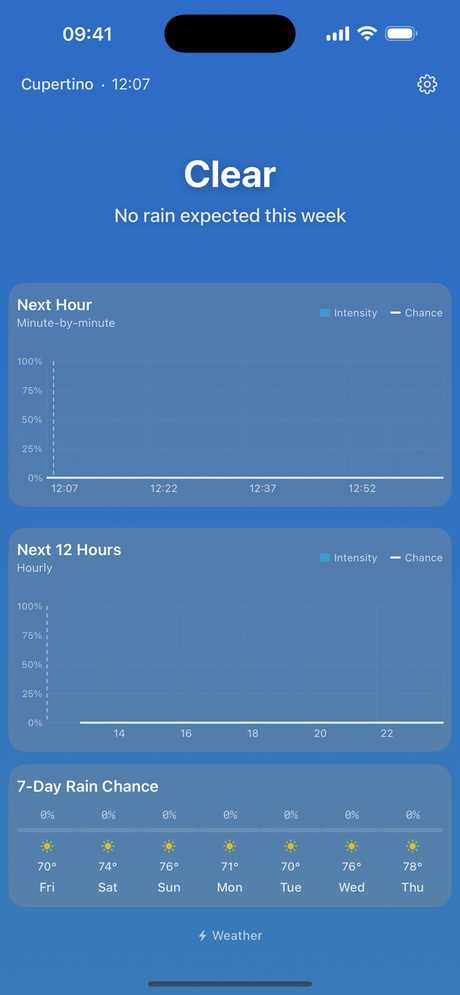
Clear — the week, when there's nothing to say
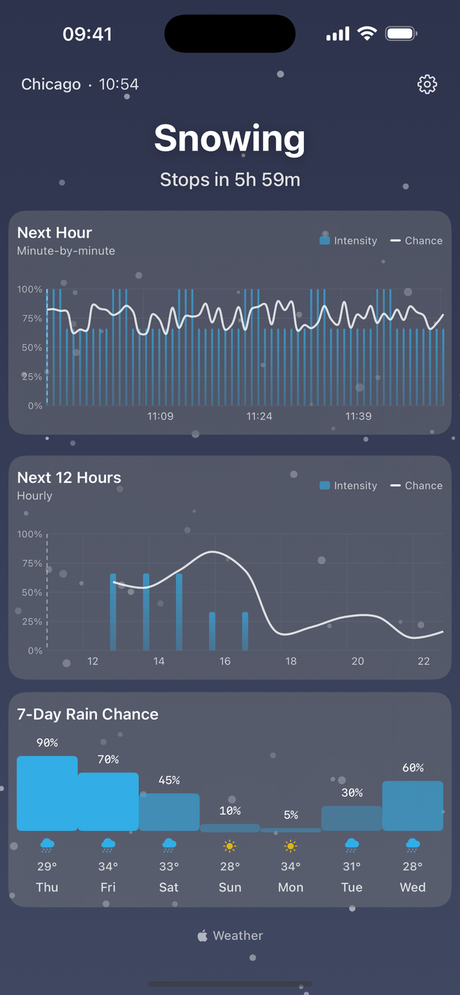
Snowing — night gradient, falling flakes
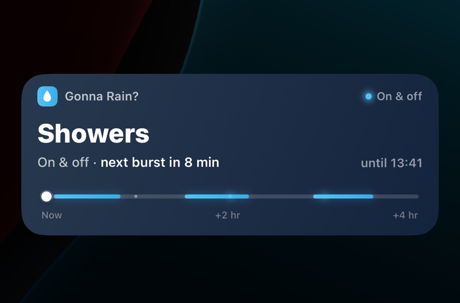
Lock screen
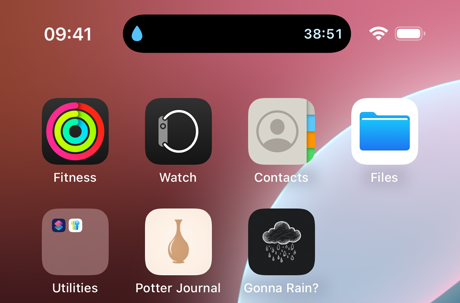
Dynamic Island
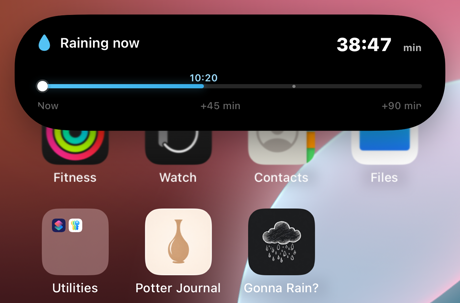
Expanded
The build
- Week 1Feb 18
First build
- Week 2Feb 25
Notifications
- Week 3Mar 2–6
A server to watch the sky
- SubmittedMar 11
First submission
- JulyJul 24
Picked it back up
- LaunchJul 25
On the App Store
- 1.1.1Jul 27
Snow
Just building the basic weather function for the app was quite easy — I think anyone with experience building apps using AI can probably one-shot this in a matter of minutes. What was hard was determining the notification logic, asking for correct permissions, and making it look nice.
Fun animations
It took a lot of trial and error to get the animations in a nice place. Claude did most of the heavy lifting with implementation here, but it still took a while to settle on the animation style and overall design.
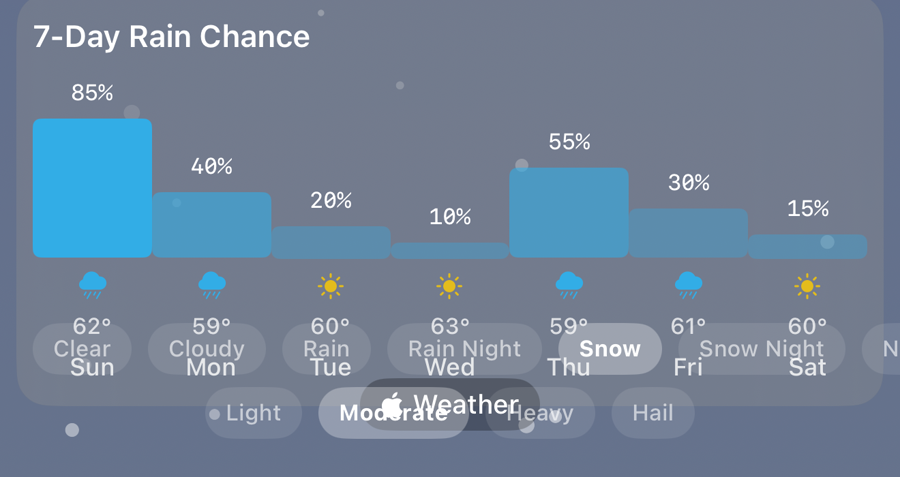
Debug picker — force any weather type and time of day while testing
Here are example animations that I finally landed on:
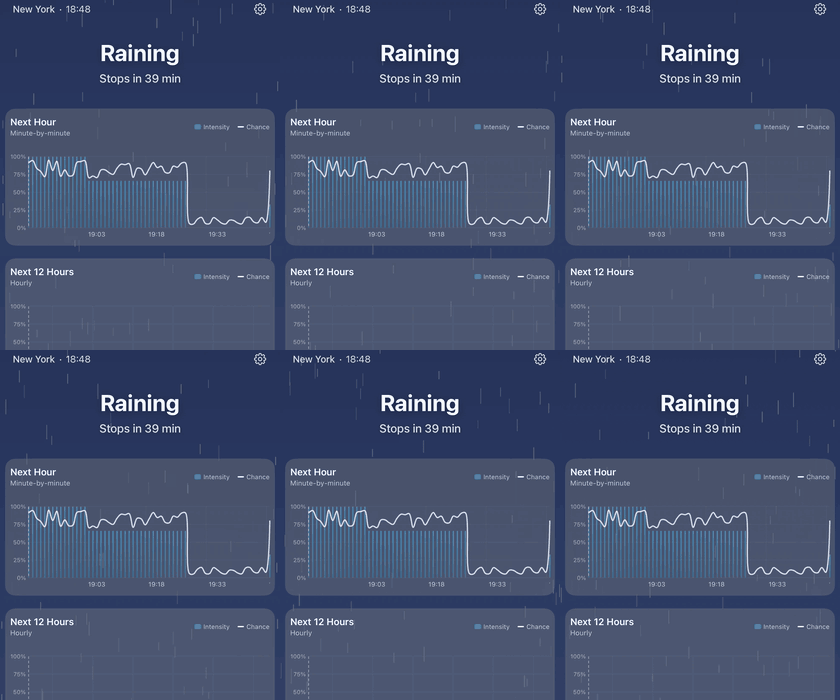
Rain
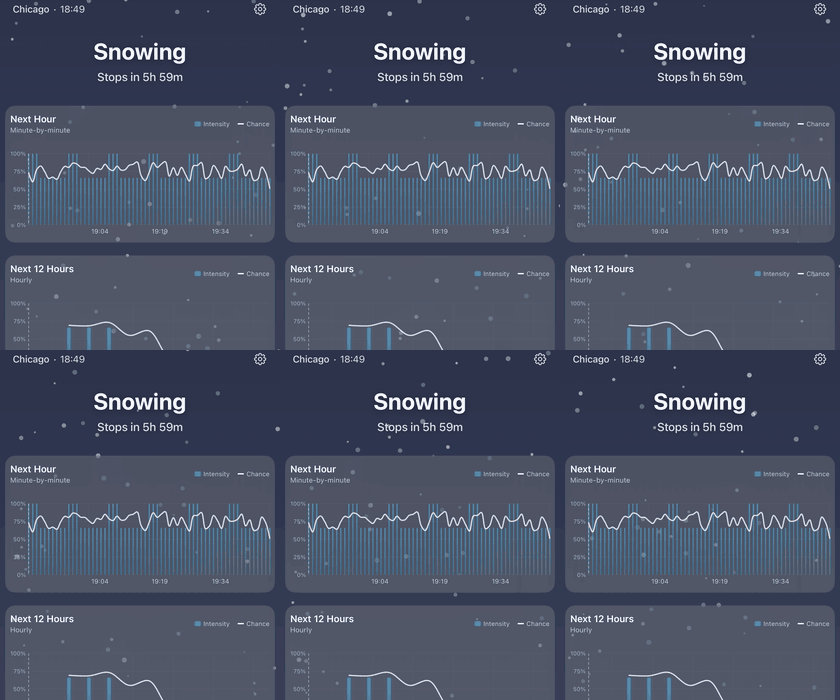
Snow
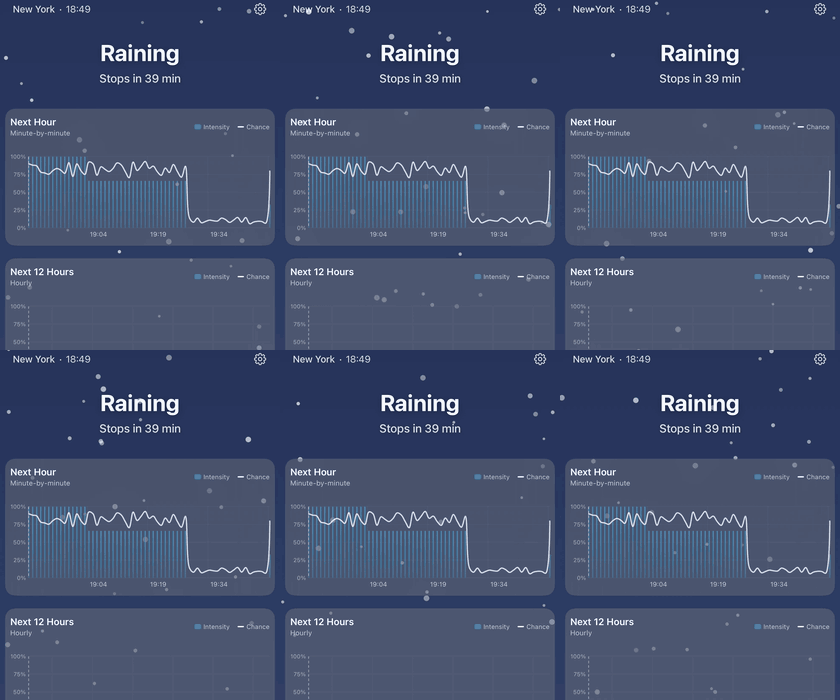
Hail
Notifications
The native iOS app DOES tell you when it's going to rain. But by the time I check on the weather, sometimes the weather has already changed, and I'm not able to plan effectively. I also have a threshold for rain — maybe I'm okay with a little rain, but I'm not happy to go out when it's pouring outside.
This does feel a little overengineered, but it was becoming a real pain to look outside the window to see if it was still raining or not. And even when you look outside, sometimes it's hard to see actual raindrops falling.
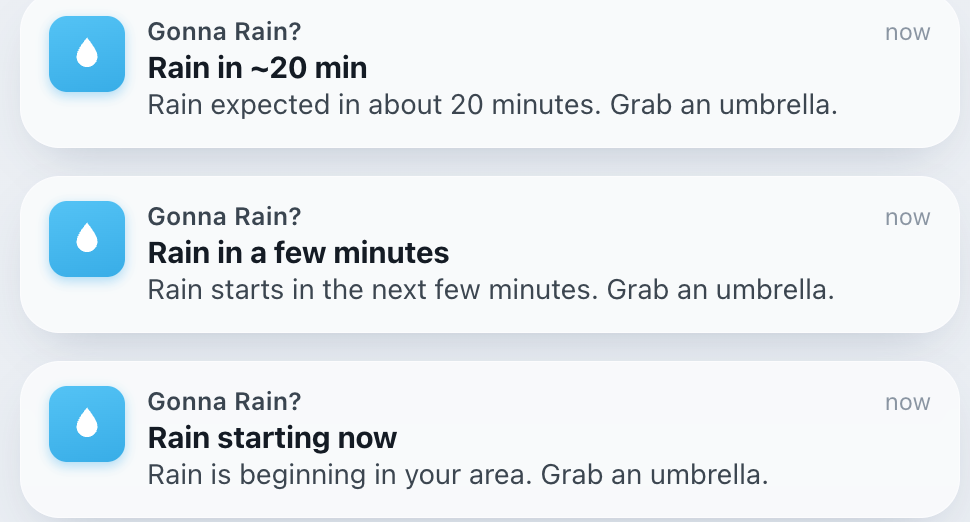
v1 — every message ended in advice
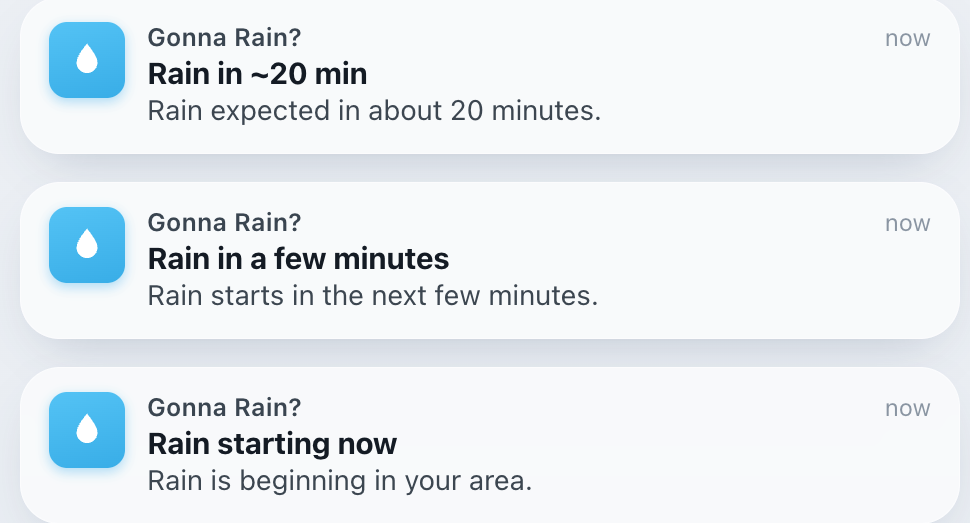
v2 — the advice cut, the facts kept
I wanted my notifications to spam me repeatedly each time rain started and stopped. TK insert the system design explanations for how we wired up notifications
Live notifications
I really like how apps like DoorDash and Lyft structure their live notifications. There's a progress bar for when something is about to be done.
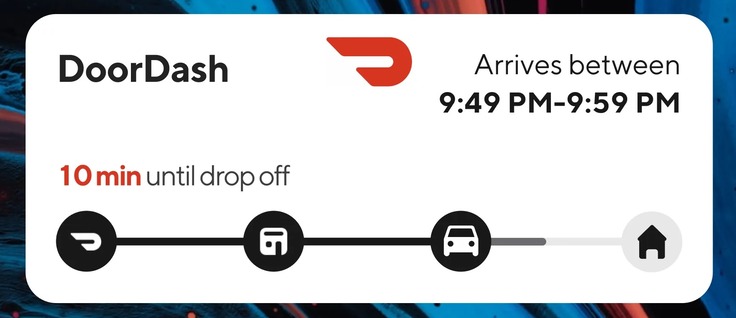
DoorDash
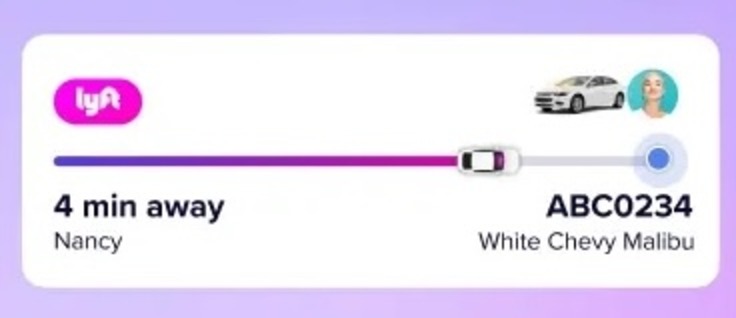
Lyft
I wanted to recreate that experience with the weather app. I think it's extremely useful to reflect that granular rain information on the lock screen, so I know exactly when I'm able to step out.
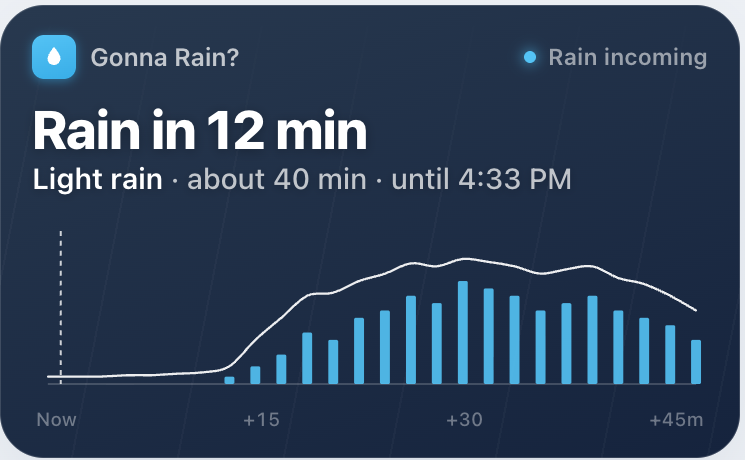
v2 — the app's own chart, miniaturised
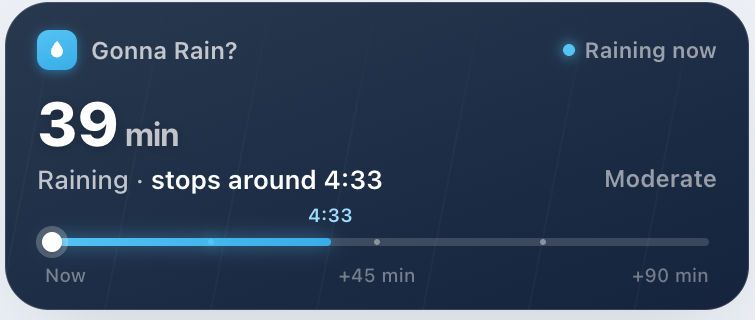
v3 — a thin track: white dot is now, cyan is rain
I decided eventually to use a flat bar, similar to conventional live activity notifications. The chart, while informative, makes the lock screen too cluttered.
Snow (1.1.1)
Snow became the next natural weather phenomenon to focus on. The logic was built out already, but I wanted it to look cool.
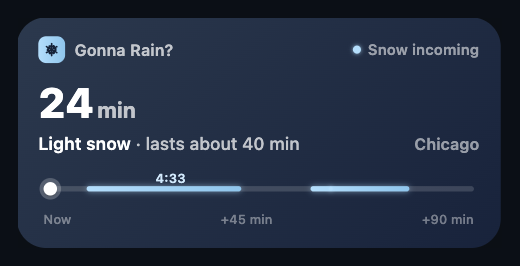
Ice — pale ice-blue — closest to the rain card
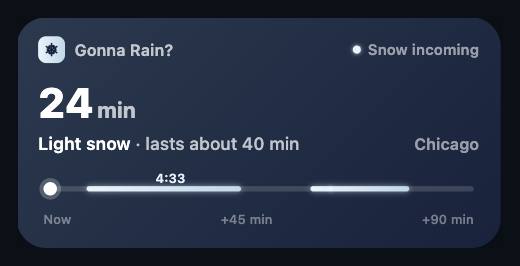
Frost — near-white silver, least colour of the four
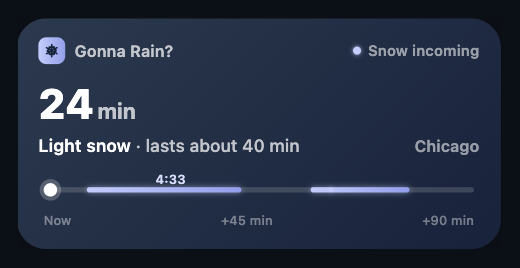
Periwinkle — cooler violet, most separable at a glance
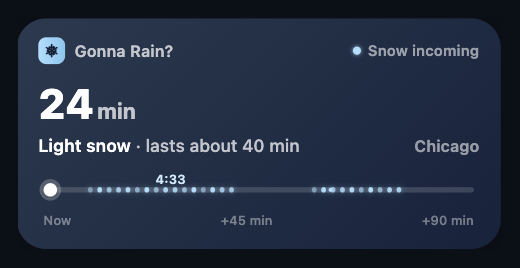
Granular — discrete flecks — snow as texture, not hue
If you're working on a project that demands that you draw things in your design, I encourage you to ask your agent to spin up multiple designs, then output an HTML page for you to pick and choose something. I unfortunately wasn't using it for this project, but a tool like Lavish is extremely useful as a visual-based option for providing feedback and choosing between designs.
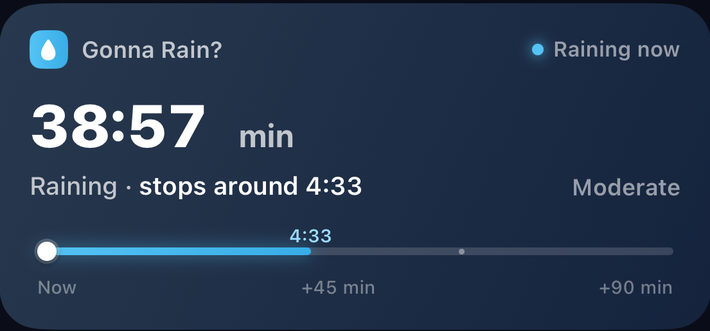
Rain — cyan track, droplet
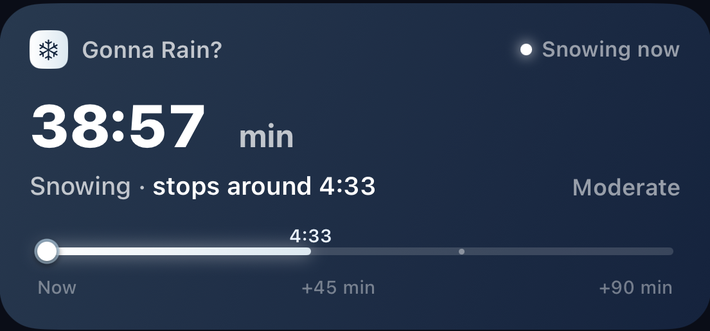
Wintry — near-white track, snowflake, tinted ring
Final thoughts
A weather app is a very classic beginner project used for beginner programmers to make a fullstack app. It's not something I really considered doing as an exercise, but it was a great way to practice agentic engineering, and doubles as a tool that's quite useful for rainy days.
I think the best takeaway from this project is learning how to think about designing with AI. Previously, I would specify my design specifications up front with Claude, and tweak the design iteratively. Now, my inclination is to spin up several designs and choose my favorite one. Iterations are more about choosing between options, not fixing in on one.
If you want to know whether it's gonna rain, it's on the App Store.